Microsoft's low-code platform for building, customising and publishing AI agents and copilots. Makers define topics, knowledge sources, actions and flows and can publish the result to Teams, websites or Microsoft 365 Copilot.
Title graphic: Copilot Studio (Product)
Description
Copilot Studio is Microsoft's low-code platform for building, customising and publishing AI agents and copilots. Makers define topics, knowledge sources, actions and flows and can publish the result to Teams, websites or Microsoft 365 Copilot. It is a paid product, and it was formerly known as Power Virtual Agents.
Microsoft develops it, and on m365.fm it is classified as a Microsoft tool and a low-code tool. It is part of the Power Platform and is related to AI agents, Power Fx, connectors, knowledge sources, Microsoft 365 Copilot Chat, Microsoft Agent 365, Copilot Credits and agent skills.
"Beyond Copilot: Building Enterprise AI Agents That Actually Work" with Manpreet Singh covers agents that understand business context, connect to enterprise systems and take action. "From Demo to Production" with Elliot Margot looks at taking AI from an impressive demo to a secure and governed solution. "Copilot Studio AI Agents and RAG" with Nilüfer Doğan explains how AI agents, Retrieval-Augmented Generation and low-code development change enterprise automation.
Overview compiled with AI from M365.FM episodes and the facts on this page. You can improve it with the edit button below.
Copilot Studio agents have no identity of their own and by default borrow the caller's token, so they can see and say what the user can see. · Lock Down Copilot Studio Agent Permissions…
Copilot Studio is the low-code environment inside the Power Platform for conversational AI agents and workflow-driven bots. · Copilot Studio vs Azure AI Foundry
Typical Copilot Studio uses are customer service chatbots, internal support agents and Microsoft 365-integrated experiences. · Copilot Studio vs Azure AI Foundry
Copilot Studio grounds on SharePoint, public websites and Dynamics 365, while Foundry works with custom enterprise data and models. · Copilot Studio vs Azure AI Foundry
The notes cite a time to value of 30 to 60 days for Copilot Studio versus 60 to 180 or more for Foundry. · Copilot Studio vs Azure AI Foundry
Copilot Studio agents don’t have their own ethics—or identities. By default they borrow the caller’s token, so any SharePoint, Outlook, Dataverse, or custom API you can see, your bot can see—and say. That’s how “innocent” answers leak context: connectors…
In this episode, we unpack two major AI platforms in the Microsoft ecosystem—Copilot Studio and Azure AI Foundry—and help listeners understand when to use each one. Whether you're building conversational AI, custom machine learning models, or enterprise-grade…
Your first Copilot Studio agent shouldn’t guess policy—it should cite it. This episode shows how to recreate a bad reply in the Test pane, ground answers in real docs, shape a trustworthy persona, and publish a pilot that survives Teams/SharePoint quirks.…
Approvals die in inboxes. Copilot Studio’s Agent Flows flip the script by letting AI act as the first approver, enforcing policy instantly and escalating only edge cases to humans. You design a multi-stage flow: an AI stage evaluates objective rules (amount…
Your company isn’t blocked by data—it’s blocked by syntax. Copilot Studio turns plain-English questions into governed Fabric queries, so “What was our revenue by quarter?” finally gets an instant, secure answer—no SQL, no tickets, no waiting. It’s not a…
This might be the week the bots stop “assisting”… and start working. Microsoft quietly flipped a switch — and Copilot Studio can now literally use your computer. Not API calls. Not connectors. Not cloud sandboxes. Actual mouse movement. Real keyboard input. A…
Still dragging cards around in Microsoft Planner like it’s 2015? In this episode, I show you how to stop babysitting boards and start speaking tasks into existence with a “Task Planner” Copilot agent. You’ll learn how Planner, Copilot Studio, and Power…
This episode of the M365.FM Podcast (titled “How to Build a High-Performance Agentic Workforce in 30 Days”) explains why most enterprise AI agent programs fail quickly, and what it really takes to build an AI-driven workforce that delivers measurable business…
Learn will Copilot Studio replace low-code developers in plain English: practical use cases, architecture, governance, security, and key implementation decision
In this episode of the M365.fm podcast, Mirko Peters sits down with Microsoft MVP Isha Kapoor to explore what it really takes to scale Microsoft Copilot Studio in large enterprise environments. The conversation moves beyond simple chatbot scenarios and…
Artificial Intelligence is everywhere. Every conference keynote, every boardroom discussion, and every technology roadmap seems to be focused on AI. But beyond the excitement and endless headlines, one question remains: how do organizations move from AI…
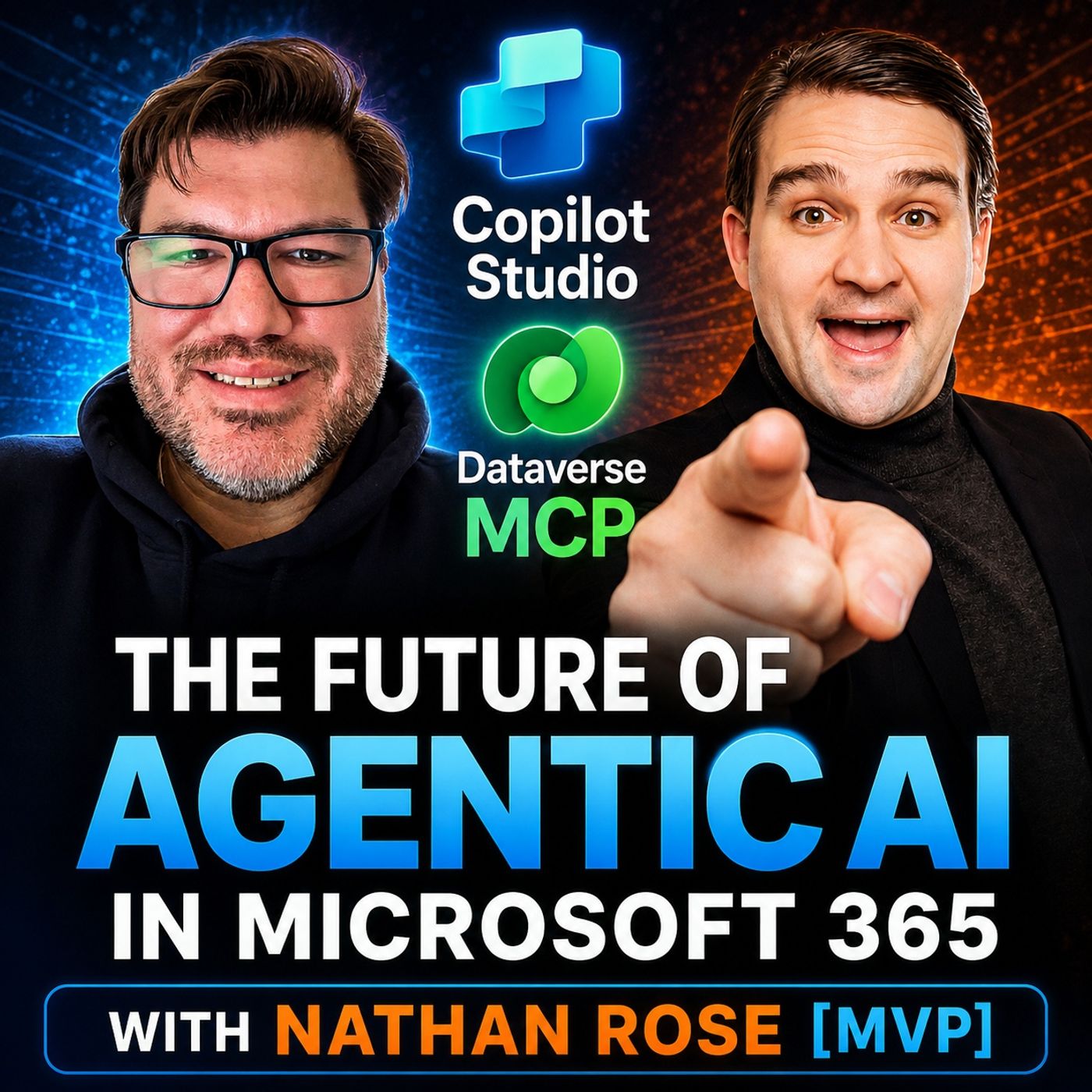
In this episode of the M365.fm podcast, Nathan Rose joins the show to explore how Copilot Studio, Dataverse, and the Model Context Protocol (MCP) are shaping the future of agentic AI in Microsoft 365. The conversation dives into how organizations can move…
Migrating Power Automate Cloud Flows to Agent Flows · Mirko Peters Welcome back to the podcast blog! Today, we are expanding on a topic that is transforming how organizations approach automation. If you have been building standard …
Mastering Modular Architecture in Microsoft Copilot Studio · Mirko Peters Welcome back to the blog companion for our podcast! When organizations begin their journey into enterprise artificial intelligence, they frequently hit a ceiling wh…
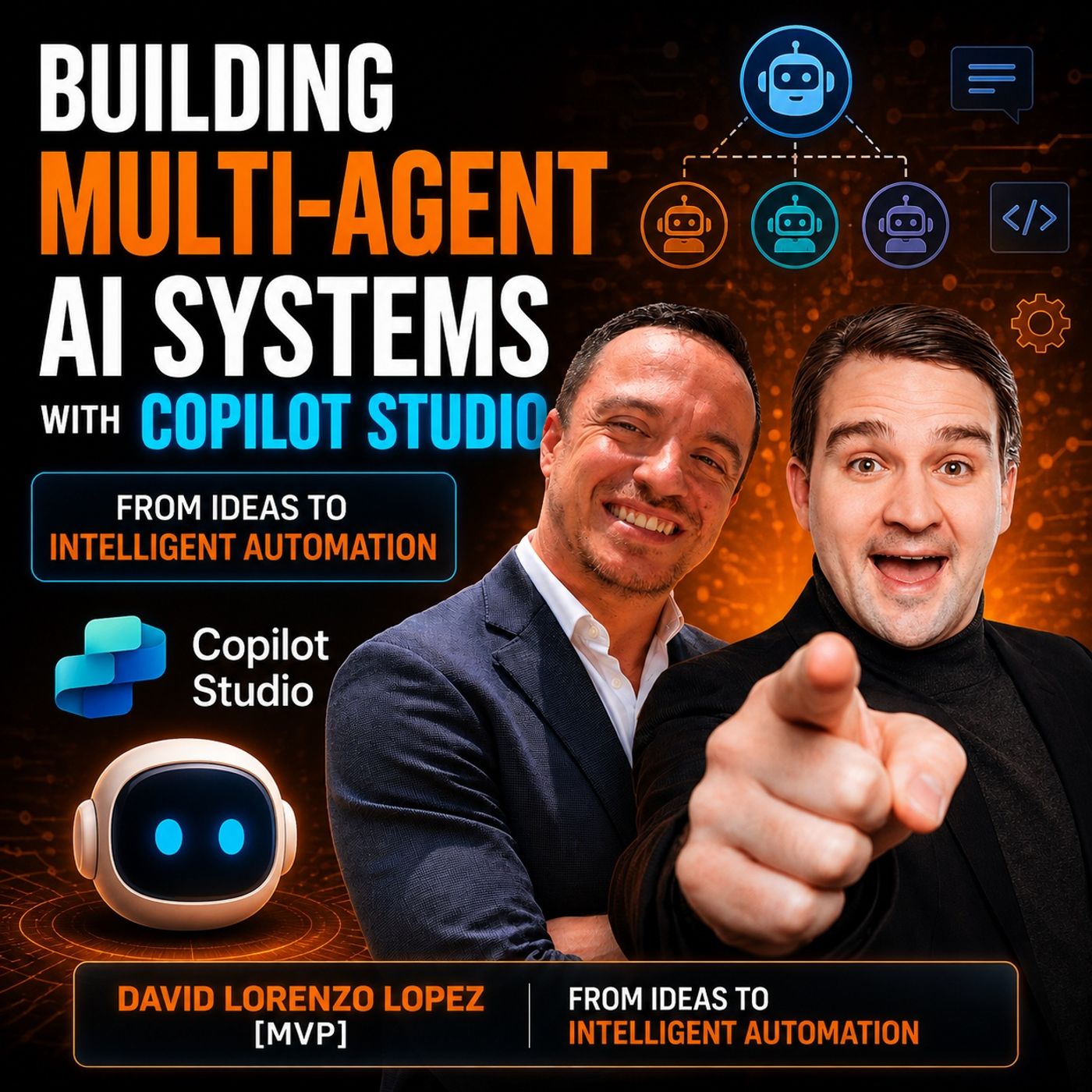
Mastering Multi-Agent AI Systems with Copilot Studio · Mirko Peters Welcome back to the podcast companion blog! In this post, we are expanding heavily on our latest episode, where we explore how organizations can leverage Microsoft …
Supercharging AI Agents with Microsoft Power Platform · Mirko Peters Welcome back to the podcast companion blog! In today's post, we are diving deep into the world of intelligent automation and enterprise architecture. If you have be…
Building Your First Enterprise AI Agent Without Code · Mirko Peters Welcome to our deep dive into the world of low-code artificial intelligence and business transformation. If you have been wondering how to bridge the gap between co…
By default they borrow the caller's token, so any SharePoint, Outlook, Dataverse or custom API the user can see, the agent can see and repeat. Connectors combine, telemetry persists and analytics stores can echo fragments. · From the episode: Lock Down Copilot Studio Agent Permissions…
How does Power Platform DLP protect Copilot Studio agents?
It classifies connectors into Business, Non-Business and Blocked groups and forbids traffic between groups. A tenant-level policy overrules environment policies, forming a fortress at the connector and environment boundary. · From the episode: Lock Down Copilot Studio Agent Permissions…
What is the difference between Copilot Studio and Azure AI Foundry?
Copilot Studio is a low-code tool for business teams building conversational agents, while Azure AI Foundry gives developers and data scientists advanced control to build custom AI models and applications. · From the episode: Copilot Studio vs Azure AI Foundry
When should I choose Copilot Studio?
Choose it when you are a business team that wants quick results with minimal technical skills, for example a customer service chatbot or internal support agent integrated with Microsoft 365. · From the episode: Copilot Studio vs Azure AI Foundry
Relationship map of Copilot Studio: linked topics
Related topics in brief
Microsoft· Developed by · Organization Microsoft Corporation is a technology company that develops software and cloud services such as Microsoft 365, Azure and Dynamics 365.
Microsoft tool· Is a · Category A software product or service developed by Microsoft.
Low-code tool· Is a · Category A tool for building apps and automations with little or no programming.
Power Platform· Part of · Platform Microsoft's low-code family consisting of Power Apps, Power Automate, Power BI, Power Pages and Copilot Studio. Together with Dataverse it lets business users build apps, automations, reports and agents.
AI agent· Related to · Concept A software system that uses an AI model to pursue a goal on its own: it plans steps, calls tools or APIs, reads data and acts, often with a human approving critical steps. Agents go beyond chatbots because they take actions, not just answer questions.
Power Fx· Related to · Concept Microsoft's open-source low-code formula language, modelled on Excel formulas, used in Power Apps, Power Automate, Dataverse and Copilot Studio.
Connector· Related to · Concept Prebuilt wrapper around an API that lets Power Apps, Power Automate and Copilot Studio read and write data in hundreds of services.
Microsoft 365 Copilot Chat· Related to · Product Secure, web-grounded AI chat for Entra ID users that is included at no extra cost and can run agents; the paid Microsoft 365 Copilot adds work-data grounding.
Power Virtual Agents· Related to · Product Former no-code chatbot builder of the Power Platform; it was merged into Microsoft Copilot Studio.
Knowledge source· Related to · Concept Content an agent in Copilot Studio can ground its answers on, such as SharePoint sites, files, websites, Dataverse tables or connectors.
Microsoft Agent 365· Related to · Product Control plane for observing, governing and securing AI agents across an organisation, with agent registry, identity, access control and monitoring built on Entra, Purview and Defender.
Copilot Credits· Related to · Concept Consumption unit used to bill agent and Copilot Studio usage, which makes budgeting and monitoring of agent costs necessary.
Agent skill· Related to · Concept Reusable package of instructions, scripts and resources that an AI agent loads on demand to perform a specific task consistently.
Agent harness· Related to · Concept Software layer around a language model that provides tools, permissions, memory, evaluation and limits so an agent can act safely and reproducibly.
Microsoft Copilot Studio: Use MCP-compliant tools in agent workflows
Integrate proprietary systems, dynamic knowledge sources, and custom actions into your agentic workflows with MCP support, accelerating extensibility while preserving workflow reliability. This integration improves reuse across agents and workflows, reduces duplication of integrations, and embraces an emerging open and extensible agent ecosystem.
GA: June CY2026 · Preview: May CY2026
Older updates (13)In developmentMicrosoft 365 Roadmap Microsoft Copilot Studio: Copilot studio cost controls in MAC
We’re expanding cost management for Microsoft Copilot Studio into the Microsoft 365 admin center. This gives administrators a more centralized way to manage Copilot Credit spend across usage-based AI workloads while retaining Copilot Studio cost management capabilities in the Power Platform admin center.
With this update, administrators can bring supported Copilot Studio environments and agents under Cost Management spending policies. Resource-based policies for environments and agents are the first planned scopes, with broader user and group policy support planned for a later phase.
Furthermore, this update will introduce cost data into…
GA: October CY2026
In developmentMicrosoft 365 Roadmap Copilot Studio: Computer Use for web browsing on Microsoft Copilot Harness
Enable Microsoft Copilot Studio agents to browse and interact with websites as a native capability powered by the Microsoft Copilot harness. Using natural-language instructions, agents can navigate web pages, extract information, and download files. Agents can then use that information and those files alongside other tools to complete end-to-end workflows, extending their reach beyond configured knowledge sources and API-based integrations.
GA: January CY2027 · Preview: November CY2026
LaunchedMicrosoft 365 Roadmap Microsoft Copilot Studio: Agent Sharing amongst makers
Enables sharing of agents with other makers in the new Microsoft Copilot harness. Makers can grant other makers Agent Viewer (view analytics/evaluations only) or Editor (view, edit, configure, share, publish) access to an agent, with auto-assigned security roles.
GA: October CY2026 · Preview: September CY2026
LaunchedMicrosoft 365 Roadmap Microsoft Copilot Studio: Invoke agents as workflow steps with the agent node
The agent node lets you embed reasoning directly into your workflow. This means fewer manual handoffs, faster processing times, and workflows that can handle nuanced decisions without additional development effort, helping teams automate more of their end-to-end processes and reduce operational overhead.
GA: September CY2026 · Preview: April CY2026
In developmentMicrosoft 365 Roadmap Microsoft Copilot Studio: Support for sensitive documents protected with Microsoft Purview Information Protection (MPIP)
Unblock users from upload files with Microsoft Purview Information Protection (MPIP) sensitivity labels to Copilot Studio agents deployed on the M365 channel. With this support agents can process content based on the user's/agents account permissions, with label protections enforced end-to-end.
GA: October CY2026 · Preview: October CY2026
In developmentMicrosoft 365 Roadmap Microsoft Copilot Studio: Discover and use shared plugins in Copilot Studio
Copilot Studio now connects to Microsoft's shared plugin registry, making it easier for makers to discover and use plugins, connectors, and other available capabilities. This integration provides a more consistent way to extend agents with capabilities across Microsoft's AI ecosystem.
GA: November CY2026 · Preview: October CY2026
Rolling outMicrosoft 365 Roadmap Microsoft Copilot Studio: Conversational configuration of connectors in Copilot Studio
Configure the connectors your agent needs, with a simple in-chat sign-in instead of a full settings experience.
GA: September CY2026
LaunchedMicrosoft 365 Roadmap Microsoft Copilot Studio: Agent Readiness in Microsoft Copilot Studio
Agent Readiness gives makers a real-time, always-visible health check for their Copilot Studio agents. A single "Review" indicator in the build experience surfaces anything blocking or at risk — from policy restrictions to missing evaluations — before it derails a publish. Blocked capabilities are grayed out up front with a clear reason, so makers never waste time configuring something that was never going to work.
GA: September CY2026
In developmentMicrosoft 365 Roadmap Microsoft Copilot Studio: Persistent identity for Copilot Studio Agents
Makers can now give their Copilot Studio agents their own accounts, making it a governed Microsoft 365 identity for shared, collaborative business processes that spans across teams. With its own mailbox, Teams presence & Office access, the agent can collaborate where work happens while admins can control and govern its access, policies and use as its own first-class entity.
GA: November CY2026 · Preview: September CY2026
In developmentMicrosoft 365 Roadmap Microsoft Copilot Studio: Self-learning for Copilot Studio Agents
Soon agents can help makers improve agents using lessons from completed runs. It will identify repeated tool sequences that can be handled by workflows to standardize agent behavior, minimize errors, and most importantly control costs. Makers will be presented with recommendations and supporting evidence, expected impact, and the related instruction and tool changes. Makers accept recommendations, configure, test, and publish a refined copy of the agent. This helps improve agent output quality and controls costs while preserving work that requires model judgment and keeping makers in control.
GA: October CY2026 · Preview: September CY2026
In developmentMicrosoft 365 Roadmap Microsoft Copilot Studio: Discover & Add Skills from the skill catalog
With the Skills catalog in Copilot Studio, makers can discover, reuse and selectively share approved organizational skills instead of recreating the same instructions and workflows for every agent. The shared catalog powered by Microsoft 365 App Store enables shared skills to extend across experiences such as Copilot Studio M365 copilot, and Cowork, helping organizations standardize proven ways of working while maintaining centralized governance.
GA: October CY2026 · Preview: September CY2026
In developmentMicrosoft 365 Roadmap Microsoft Copilot Studio: Cost visibility in Preview Chat and History
Now makers will have clear visibility into their consumption costs directly within preview tab and agent history for their preview/testing usage as well as all every historical run. Makers can see the costs as they test, iterate, and review conversations, making usage costs transparent throughout the development experience.
GA: September CY2026
In developmentMicrosoft 365 Roadmap Microsoft Copilot Studio: Cost visibility in Agent Evaluations
Now makers will have clear visibility into their consumption costs directly associated with their evaluations, including a breakdown of usage for eval generation, test runs and model grading/judgement. Makers can see the costs as they test, iterate, and review conversations, making usage transparent throughout the development lifecycle.
GA: September CY2026
Summaries of official Microsoft release information, checked daily.
Community wiki
Short info above, community knowledge below: add practical tips, examples or corrections. New contributions are reviewed first; trusted members publish directly.
 EN
 Deutsch
 Español
 Français
 Italiano
 Português
 Nederlands
 Polski
 Bahasa Indonesia
 Русский
 Українська
 العربية
 עברית
 日本語
 한국어